URL Shortener Glossary: 10 Terms Every Marketer Should Know
From vanity URLs to 301 redirects and UTM parameters — a clear, practical glossary of the 10 most important URL shortener terms.
To get the most out of a URL shortener, it helps to understand the vocabulary. Here are the 10 most important terms, each explained with a definition, example, and practical tip.
1. Short URL
Definition: A condensed version of a long web address, typically created by a URL shortening service to make links easier to share and remember.
Example: https://example.com/products/summer-sale-2026 becomes https://shorturl.goddaehee.co.kr/s/abc12
Practical tip: Use short URLs everywhere character count matters or visual cleanliness is important — social profiles, SMS, print, and email. Most services also attach click analytics automatically.
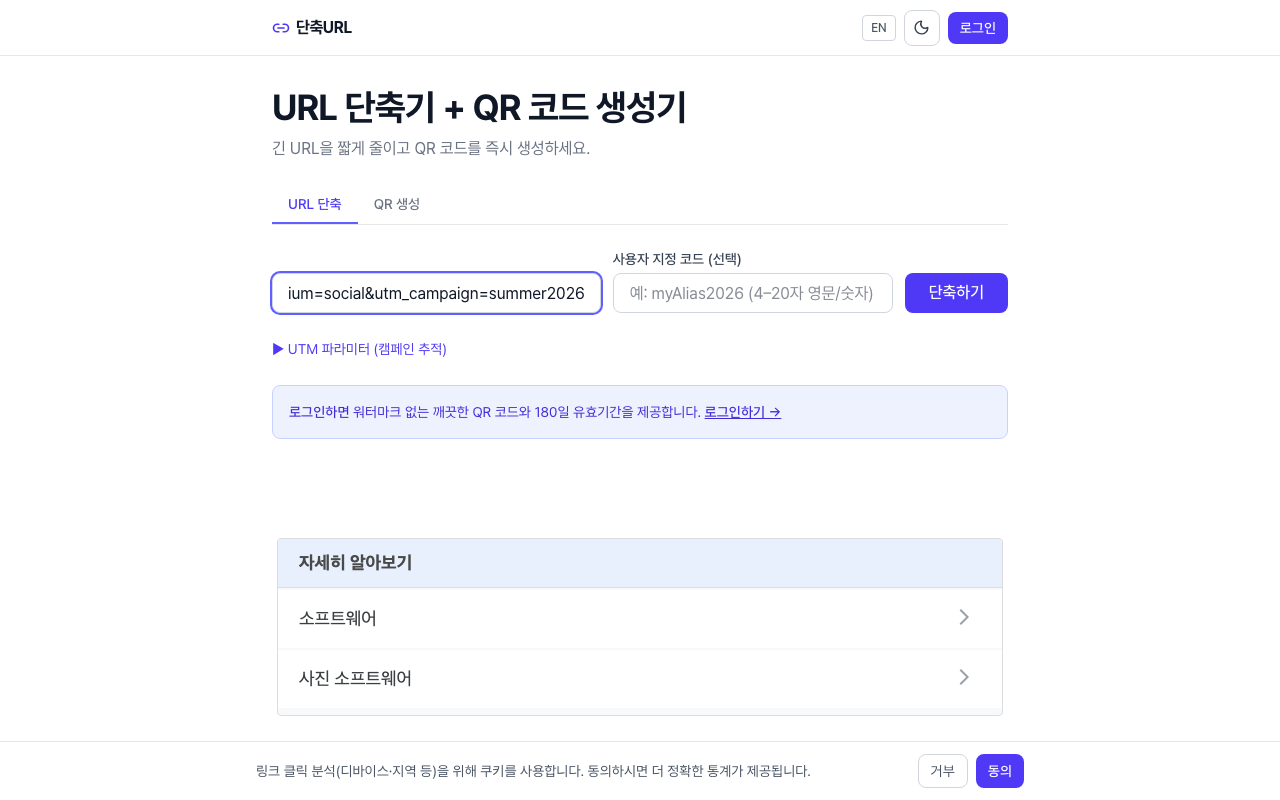
2. Vanity URL
Definition: A custom short URL that uses a meaningful word or phrase (a "slug") instead of a random character string. It's designed to be readable and on-brand.
Example: shorturl.goddaehee.co.kr/s/summer-sale instead of shorturl.goddaehee.co.kr/s/x7k9q
Practical tip: Vanity URLs build trust and improve click-through rates. Embedding a campaign name in the slug means anyone seeing the link immediately knows what it's for.
3. 301 Redirect
Definition: An HTTP response code that tells browsers and search engines "this URL has moved permanently to a new address." The redirect happens automatically.
Example: A user visits the short URL → the server sends a 301 response → the browser loads the original long URL.
Practical tip: Most URL shorteners use 301 redirects. Search engines pass SEO link equity (link juice) through 301 redirects, so the original page keeps its ranking signals.
4. 302 Redirect
Definition: An HTTP response code that signals a temporary move — "this URL is temporarily at a different address." Search engines keep indexing the original URL.
Example: A site under maintenance redirects visitors to a temporary status page using 302.
Practical tip: Never use a 302 for a permanent URL change — it won't transfer SEO value. Before choosing a URL shortener, confirm whether it uses 301 or 302 redirects by default.
5. UTM Parameters
Definition: Query string tags appended to a URL to track traffic sources in analytics tools like Google Analytics. Common parameters include utm_source, utm_medium, and utm_campaign.
Example: https://example.com/page?utm_source=instagram&utm_medium=social&utm_campaign=summer
Practical tip: UTM-tagged URLs get very long. Shortening them makes links shareable while letting you combine URL shortener click data with GA attribution for a fuller picture.
6. Link-in-bio
Definition: The single clickable link allowed in a social media profile bio (most notably on Instagram and TikTok, where links in posts aren't clickable). Marketers typically point this link to a hub page or update it per campaign.
Example: An Instagram bio link points to a short URL that forwards to the current promotion or latest content.
Practical tip: Choose a URL shortener that lets you edit the destination URL after creation. This way, your bio link stays the same while you update where it points for each campaign.
7. QR Code
Definition: Quick Response Code — a 2D barcode that smartphones can scan to open a URL instantly. It bridges offline and online channels without requiring users to type anything.
Example: A restaurant prints a QR code on each table; scanning it opens the digital menu.
Practical tip: Pair QR codes with short URLs. If you later update the short URL's destination, the QR code remains valid — no reprinting needed.
8. Click-Through Rate (CTR)
Definition: The percentage of people who click a link out of the total number who saw it. Formula: CTR = Clicks ÷ Impressions × 100.
Example: 1,000 emails sent, 50 clicks → CTR of 5%
Practical tip: URL shortener analytics give you click counts per link. Divide by audience size to calculate CTR, then compare across channels to find what drives the highest engagement.
9. Link Expiration
Definition: A setting that deactivates a short URL after a specific date or number of clicks. Expired links typically show an error or a custom expiration message.
Example: A flash-sale link set to expire at midnight on the last day of the promotion.
Practical tip: Expiration prevents outdated links from circulating after an event ends. If you don't set an expiration date, the link stays active indefinitely.
10. Domain Masking
Definition: A technique that makes a short URL appear to use your own brand domain instead of the shortener's domain. The link reads go.brand.com/sale even though a third-party service handles the redirect.
Example: go.brand.com/summer redirects to the same destination as shorturl.goddaehee.co.kr/s/abc12, but shows your brand in the URL.
Practical tip: Domain masking improves brand trust and reduces phishing concerns. Check whether a URL shortening service supports custom domains if this matters to your use case.
Now that you know the terms, put them to use. Create your first short URL →